 NutriNest
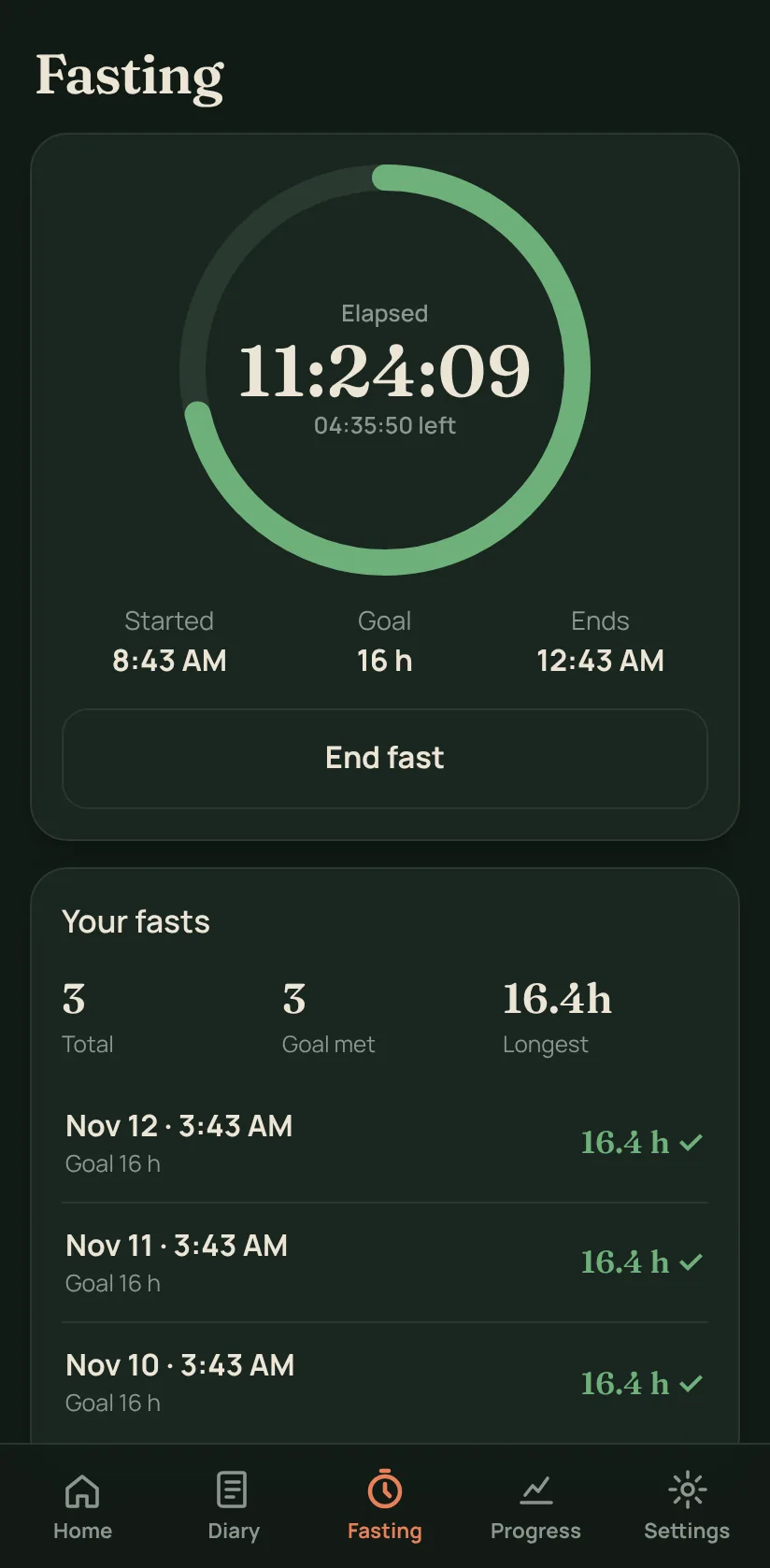
Real screens from the app
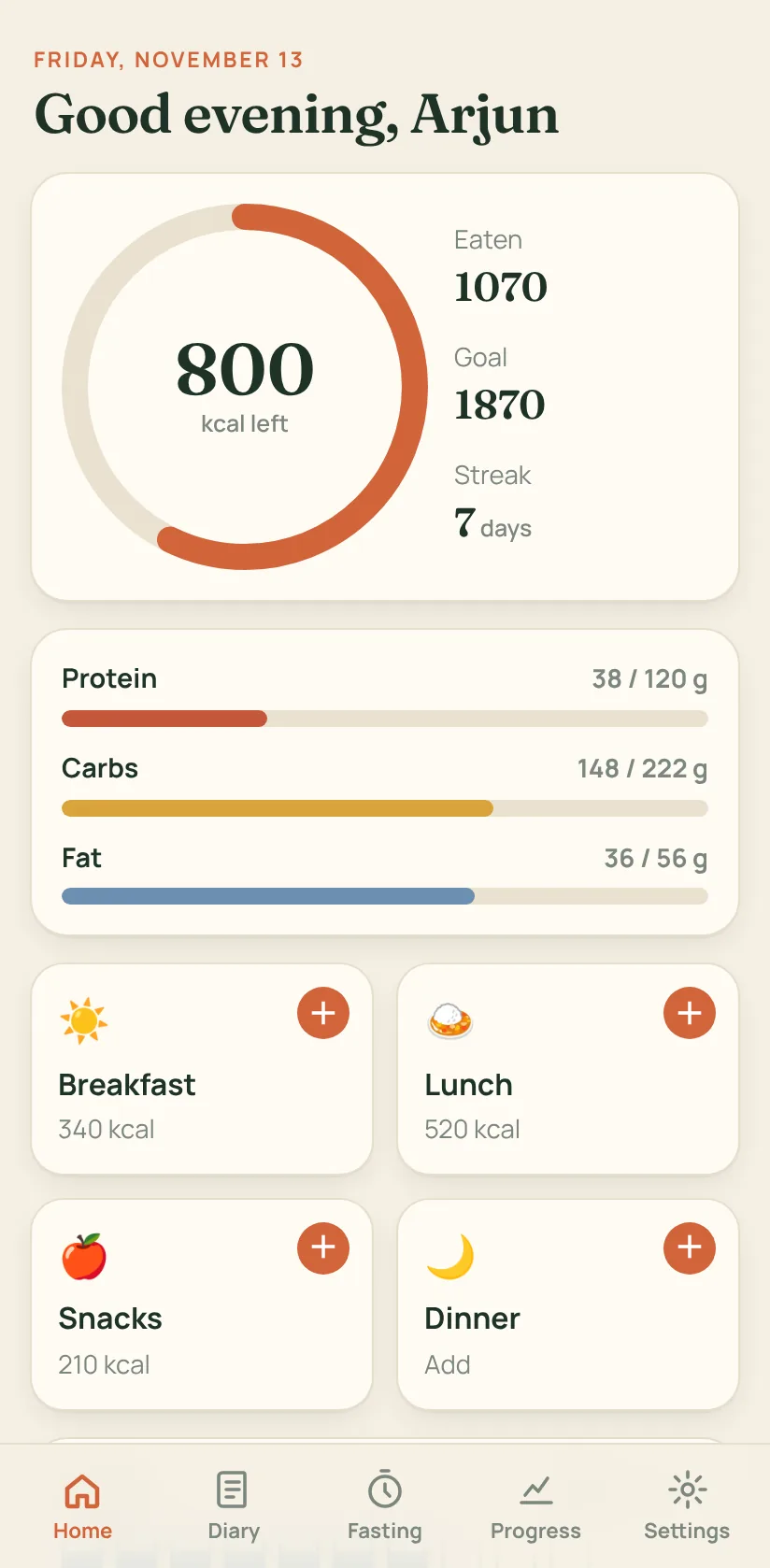
Every screen, exactly as it looks on your phone
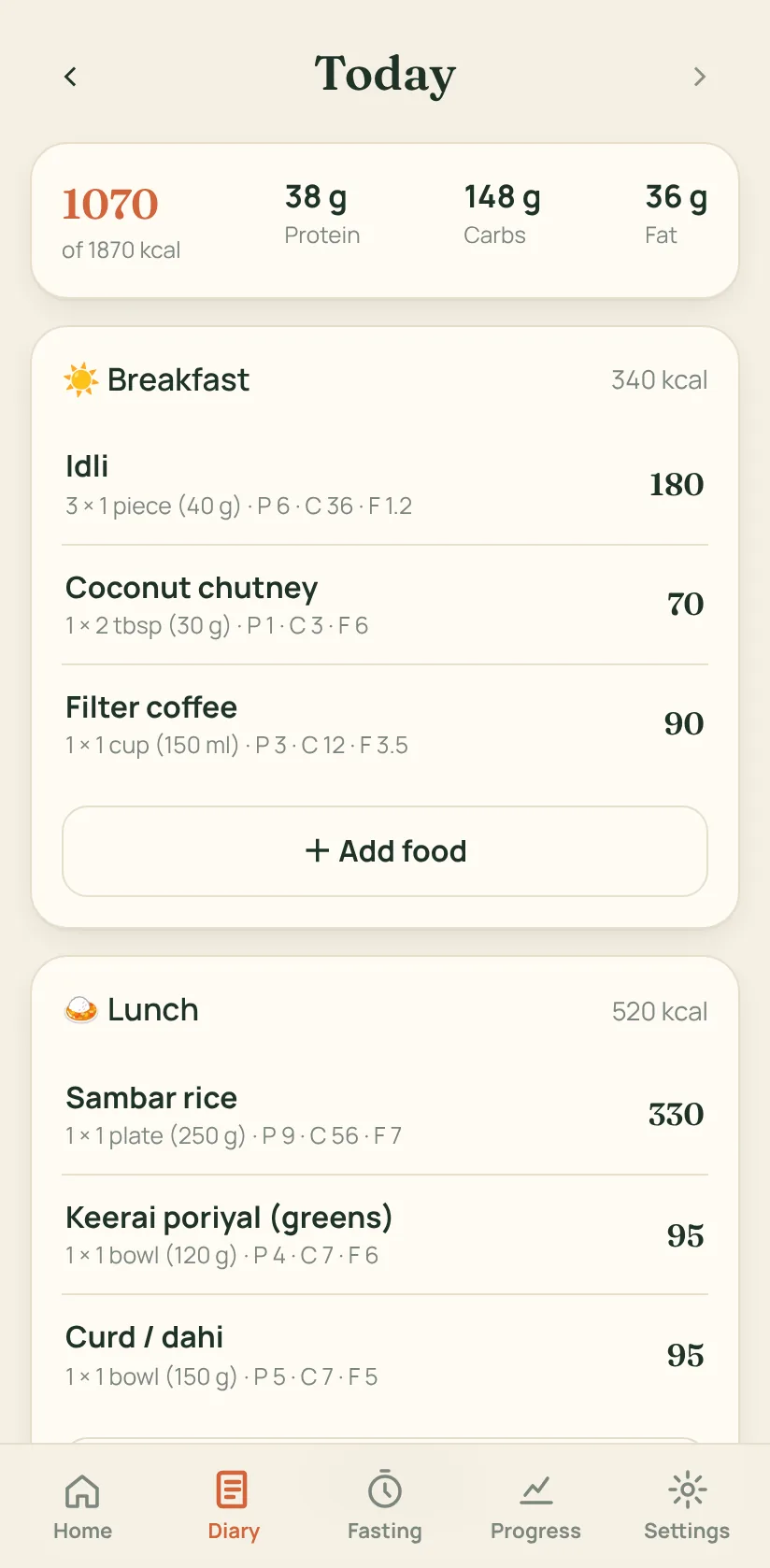
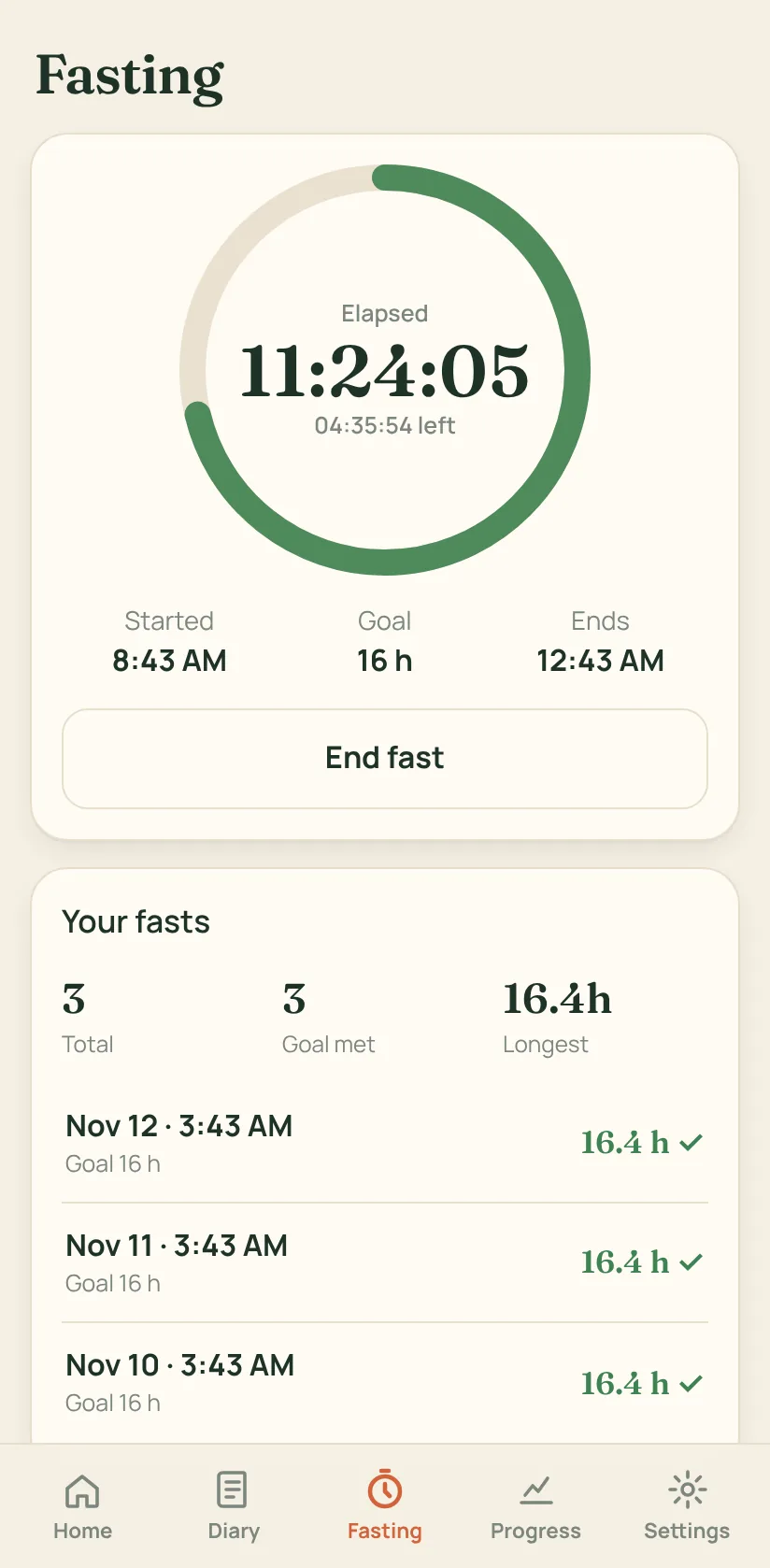
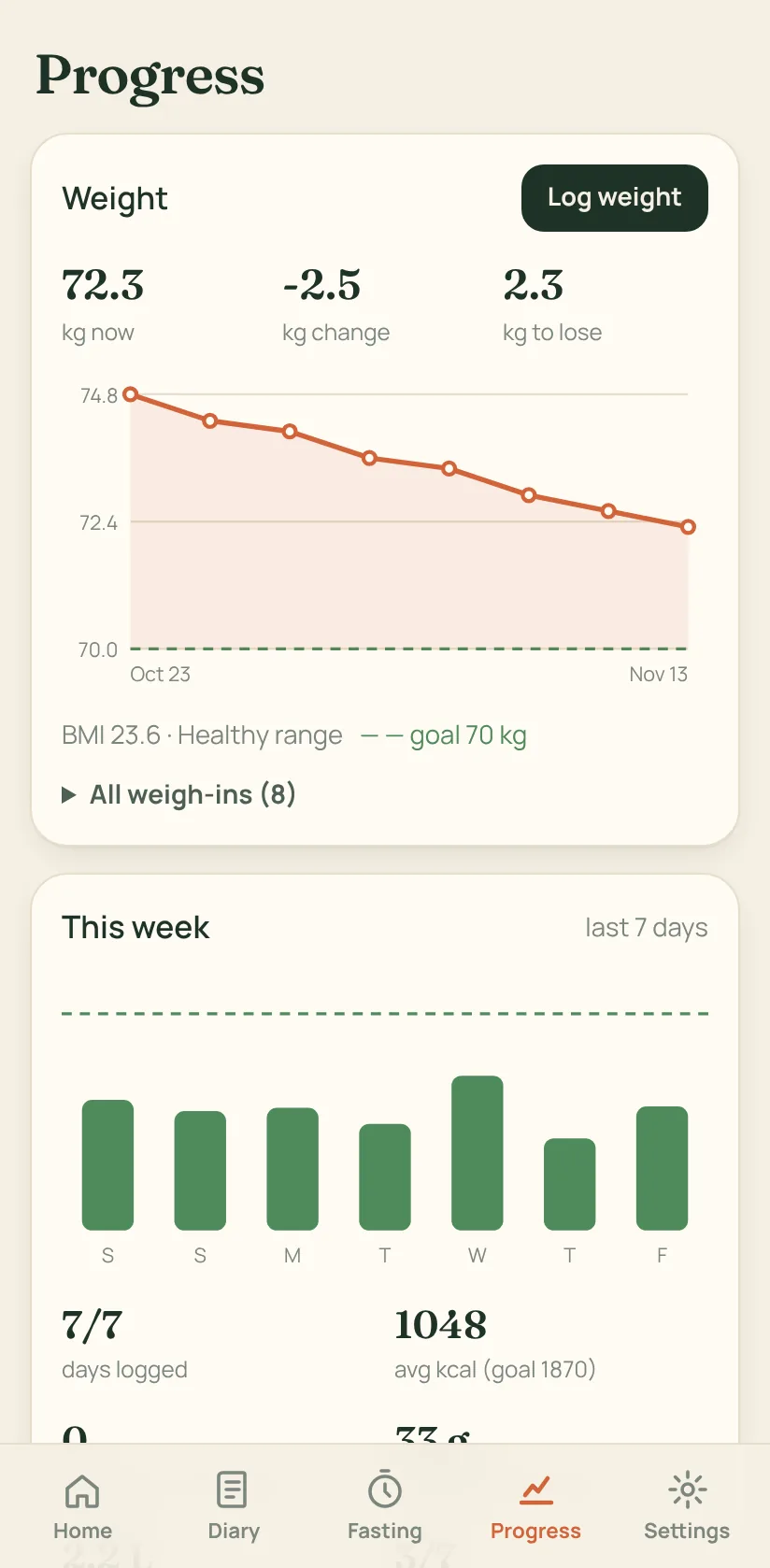
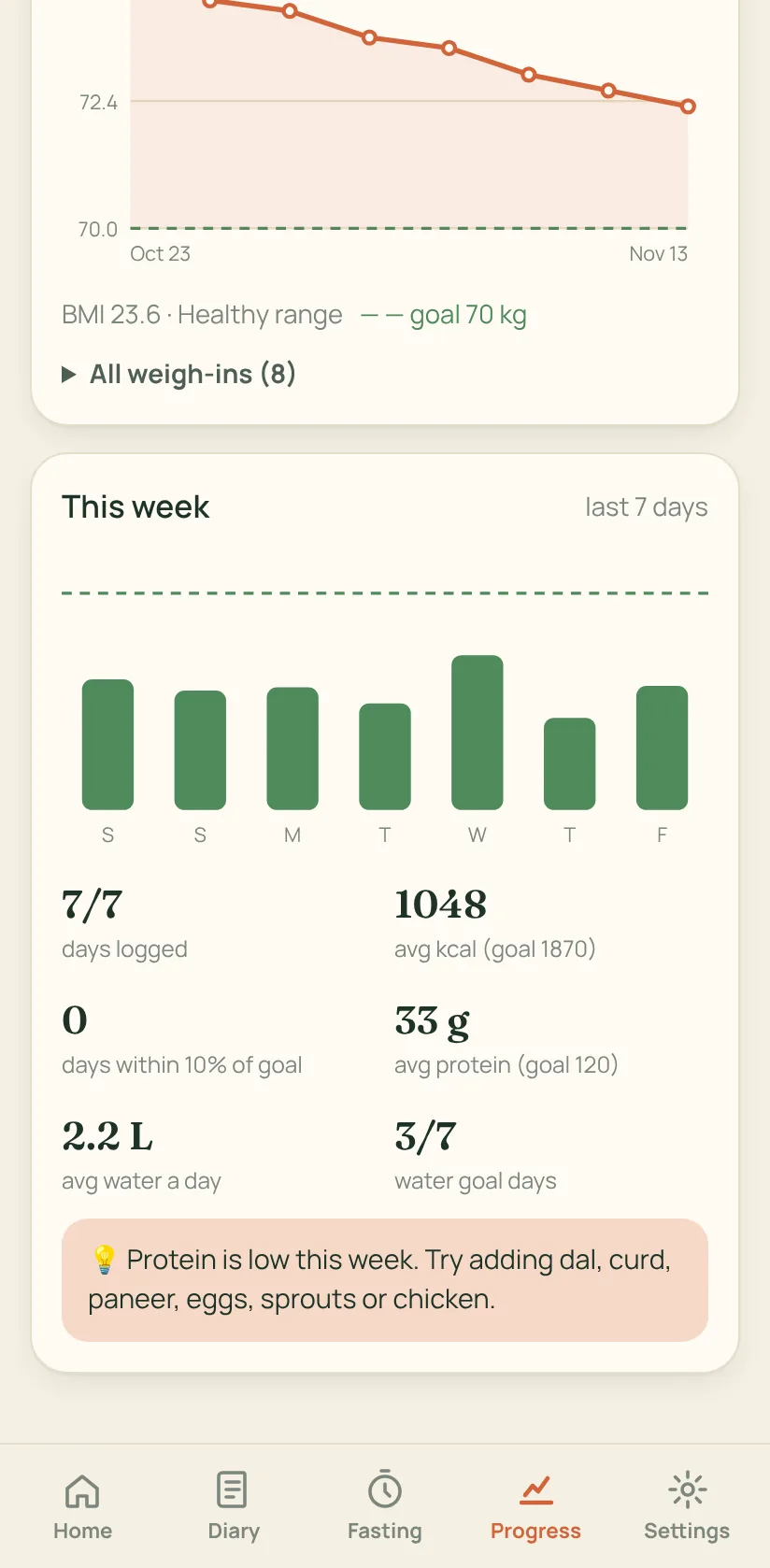
These are screenshots of NutriNest running with an example week of meals. Nothing here is a mock-up.
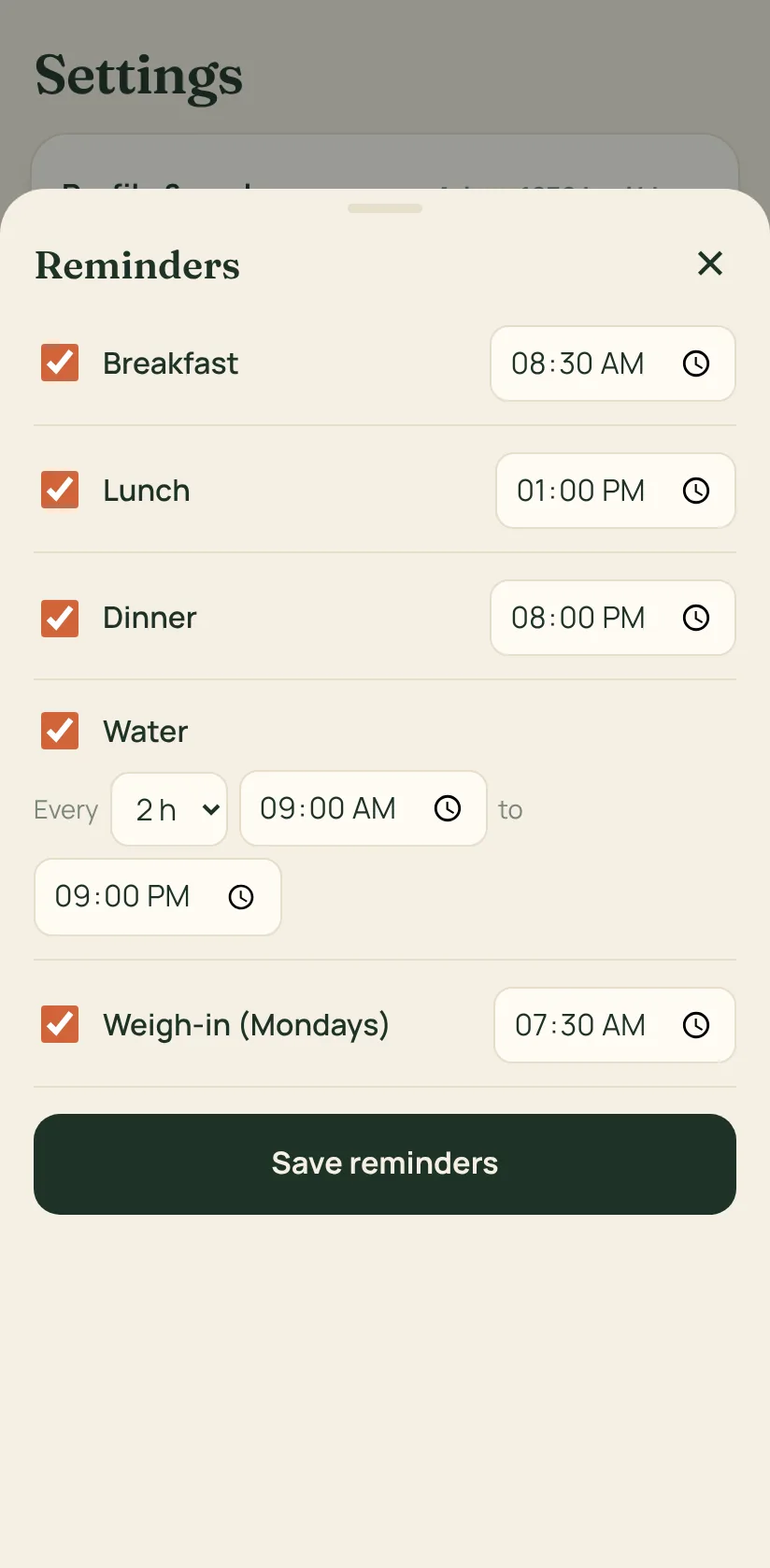
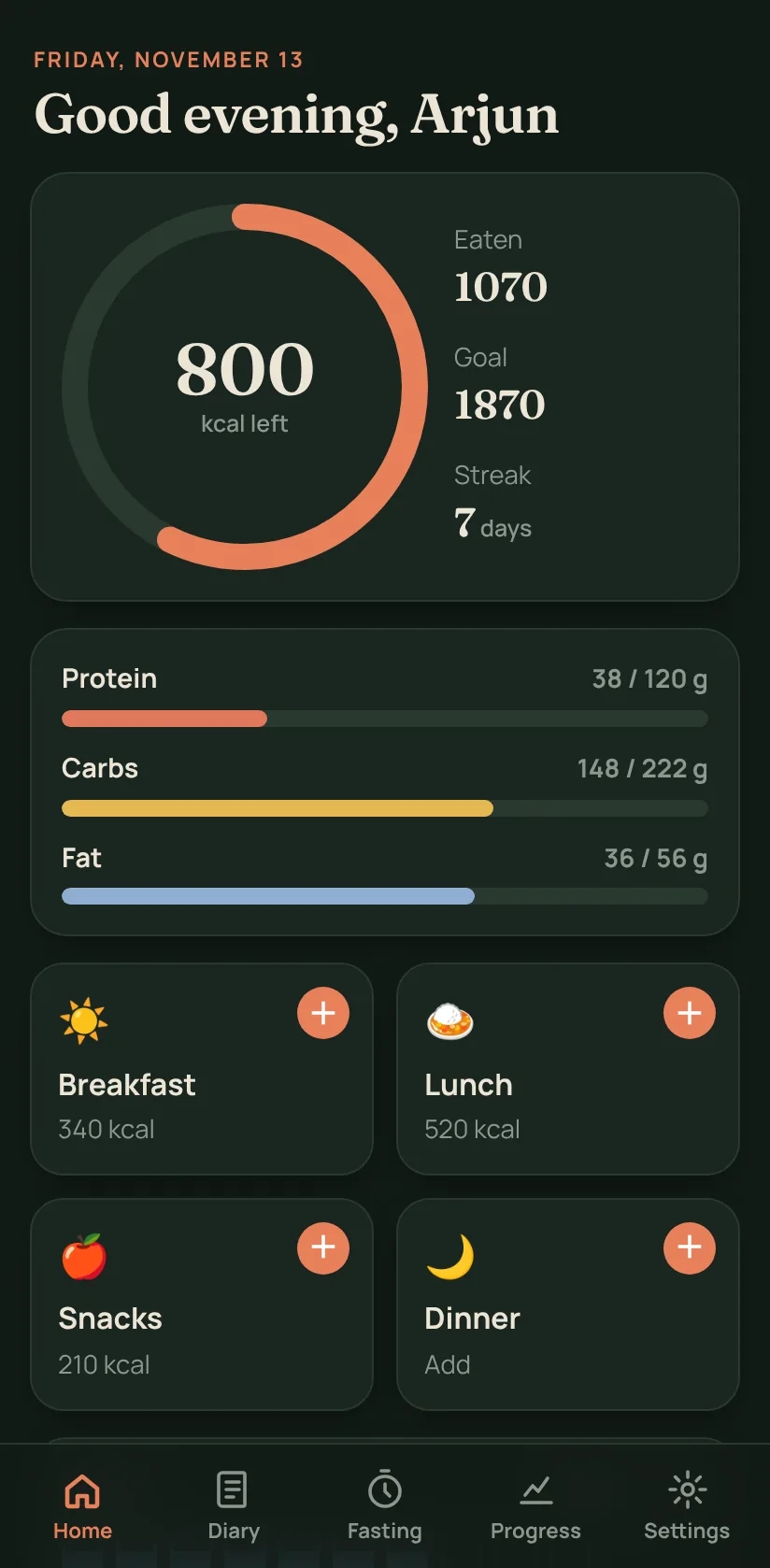
Scroll sideways to see all 9 screens →
What it does
The daily basics, done properly
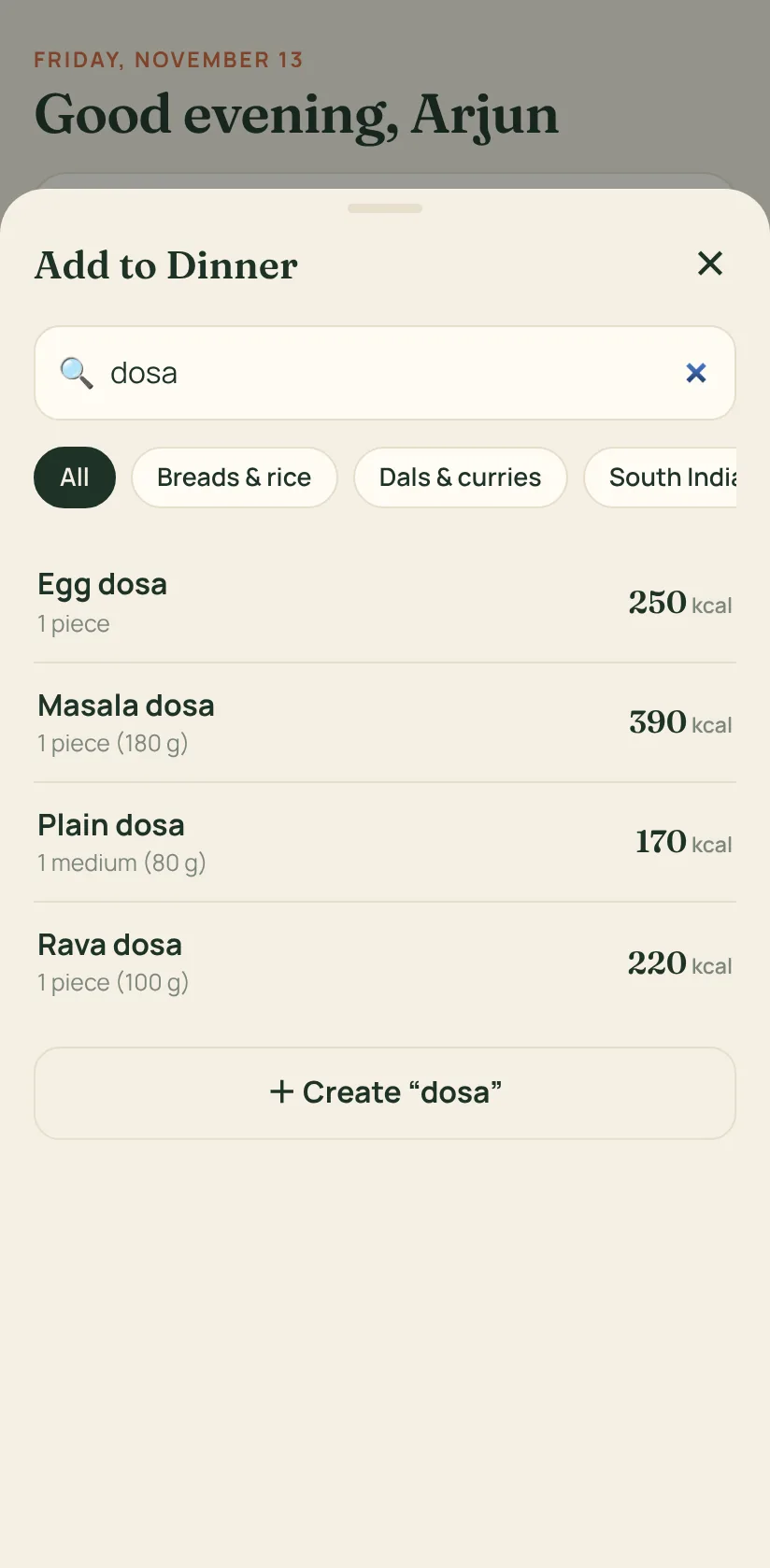
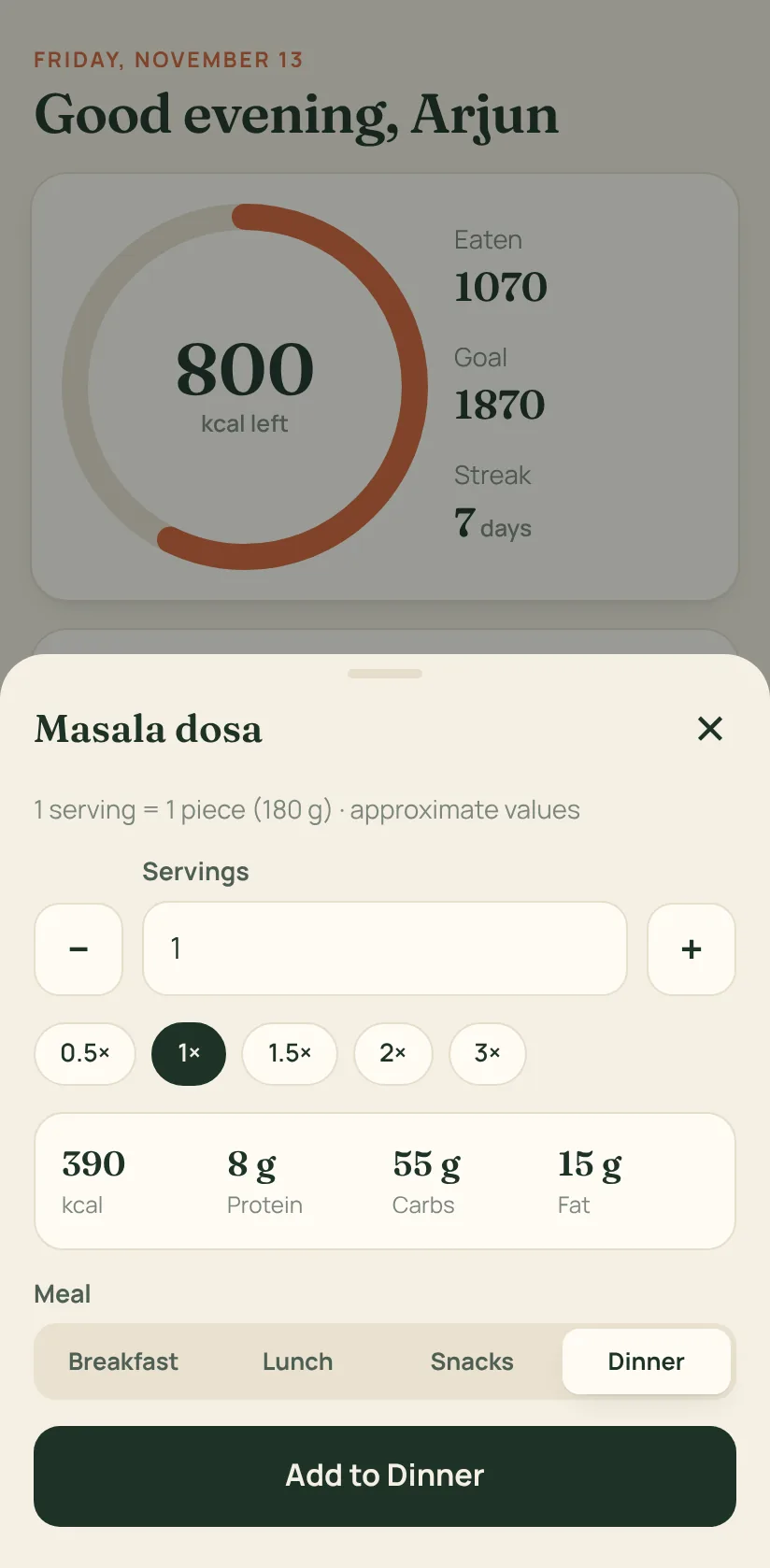
Indian food built in
Rotis, rice dishes, dals, South Indian breakfasts, snacks, sweets and drinks. Add your own from any packet label.
Your own daily target
Age, height, weight, activity and goal give you a calorie, protein, carbs, fat and water target, using the Mifflin-St Jeor formula.
Water tracker
One tap per glass. The goal is set from your weight, and you can change it.
Fasting timer
12:12, 14:10, 16:8, 18:6 or 20:4. Start now or earlier, and get a notification when you're done.
Weight and weekly report
A weight chart toward your goal, BMI, and a weekly summary with one practical tip.
Private by design
No sign-up and no cloud. Make a backup file when you change phones and restore it in one tap.
From the food list
Your plate is already in there
Values are per serving and approximate, because home recipes vary. Kcal shown per serving.
Install in about a minute
How to install the APK
NutriNest isn't on the Play Store yet, so you install it straight from this page.
Download
Open this page on your Android phone and tap Download APK.
Open the file
Tap the download in your notifications, or find NutriNest.apk in the Files app.
Allow the install
Android asks to allow installs from your browser or Files app. Turn it on once, then go back.
Install and set up
Tap Install, open NutriNest, and answer four quick questions.
Play Protect may show a warning because the app isn't from the Play Store. Only download NutriNest from this page. To update later, download the new APK and install it over the old one. Your data stays.
Your data
What NutriNest keeps, and where
Your diary is personal. NutriNest saves it inside the app's private storage on your phone and nowhere else. Uninstalling deletes it, so save a backup first.
Questions
Before you install
Is NutriNest free?
Yes. There are no ads, no subscriptions and no paid features.
Does it work on iPhone?
Not yet. This version is for Android 7.0 and newer.
How accurate are the calories?
The built-in foods use typical home-style recipes, so treat the numbers as close estimates. For packaged food, create a food from the nutrition label for exact values.
Does it need the internet?
No. Once it's installed, everything works offline, including reminders.
How do I move my data to a new phone?
Go to Settings, then Save a backup, and keep the file in Drive or send it to yourself. On the new phone, install NutriNest and choose Restore from backup.
Is this medical advice?
No. NutriNest gives general wellness guidance. If you have a health condition, are pregnant, or want to try fasting with diabetes, check with a doctor first.